

Crypto futures calculators: liquidation, position size and PnL
These are the calculators you need before every futures trade: how big to go at a given risk, where liquidation sits and what is left after fees. The formulas are the same for Binance, Bybit, OKX, Bitget and Gate, because USDT-margined futures follow the same logic everywhere.
Contents
Which crypto futures calculator do you need
| Calculator | What it calculates | When to use it |
|---|---|---|
| Position size | Trade size in USDT and coins from risk and stop, minimum leverage | Before entry, once you know where the stop goes |
| Liquidation price | Liquidation price for long and short and the distance to it | After choosing leverage, to confirm the stop is closer than liquidation |
| PnL and ROE | Net profit or loss, ROE on margin, fees | When setting a take-profit and when reviewing a closed trade |
| Funding | What it costs to hold a position over a period | If the position lives longer than a few hours |
All results are estimates: the exchange adds its own margin tiers, actual fill prices and funding.
- Position size calculator – the core risk management tool: risk in money first, size second.
- Liquidation price calculator – long and short formulas, a leverage-to-distance table and why your exchange shows a slightly different number.
- PnL calculator – profit, loss and ROE with fees on entry and exit.
- The funding calculator lives in the funding rate guide.
If you only ever open one calculator, make it position size: it caps the loss at your stop before anything else.
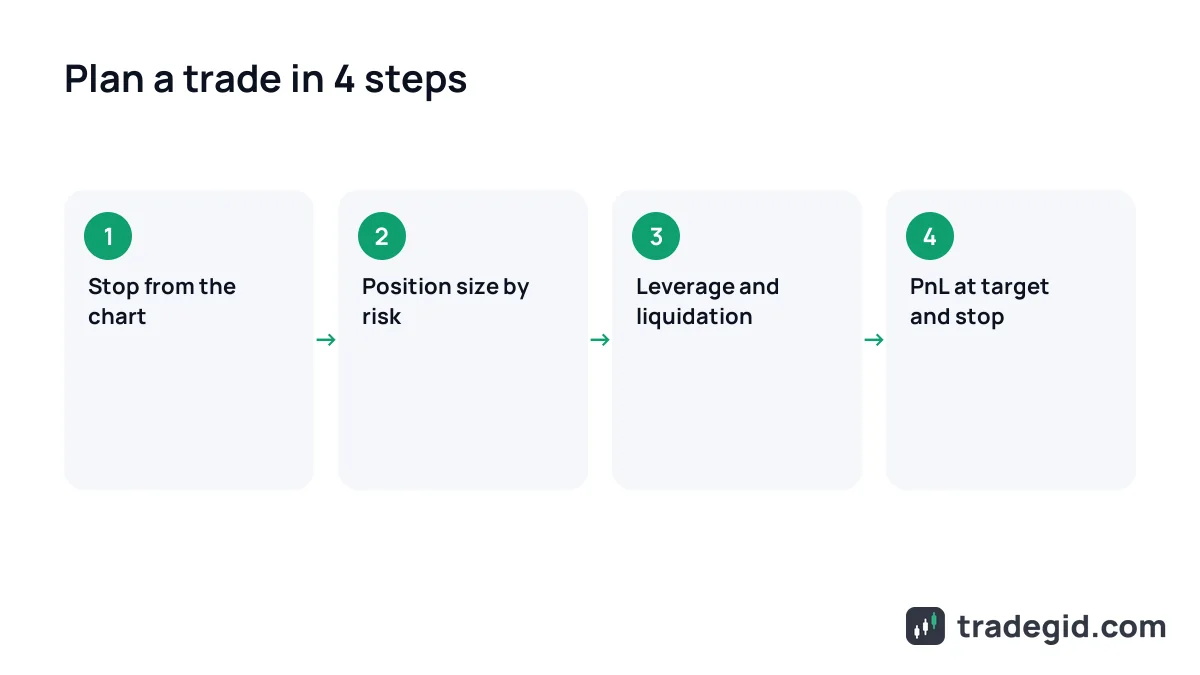
The order to run the numbers before a trade
- Decide where the stop goes from the chart, at the level where the trade idea breaks, not from how much you want to lose.
- Use the position size calculator to get the size at 1–2% account risk.
- Pick leverage and check in the liquidation calculator that liquidation is beyond the stop.
- Use the PnL calculator to see the result at the target and at the stop, after fees.
- If you hold for more than a day, add funding.
Five minutes of maths before entry saves a lot of stress afterwards: you know the worst case in money in advance.
Quick futures profit calculator
Below is a working PnL calculator. Plug in your trade and it shows position size, net result after fees and ROE on margin.
Try setting the exit below entry and raising leverage: losses grow just as fast as profits. The full formulas and worked examples are on the PnL calculator page.
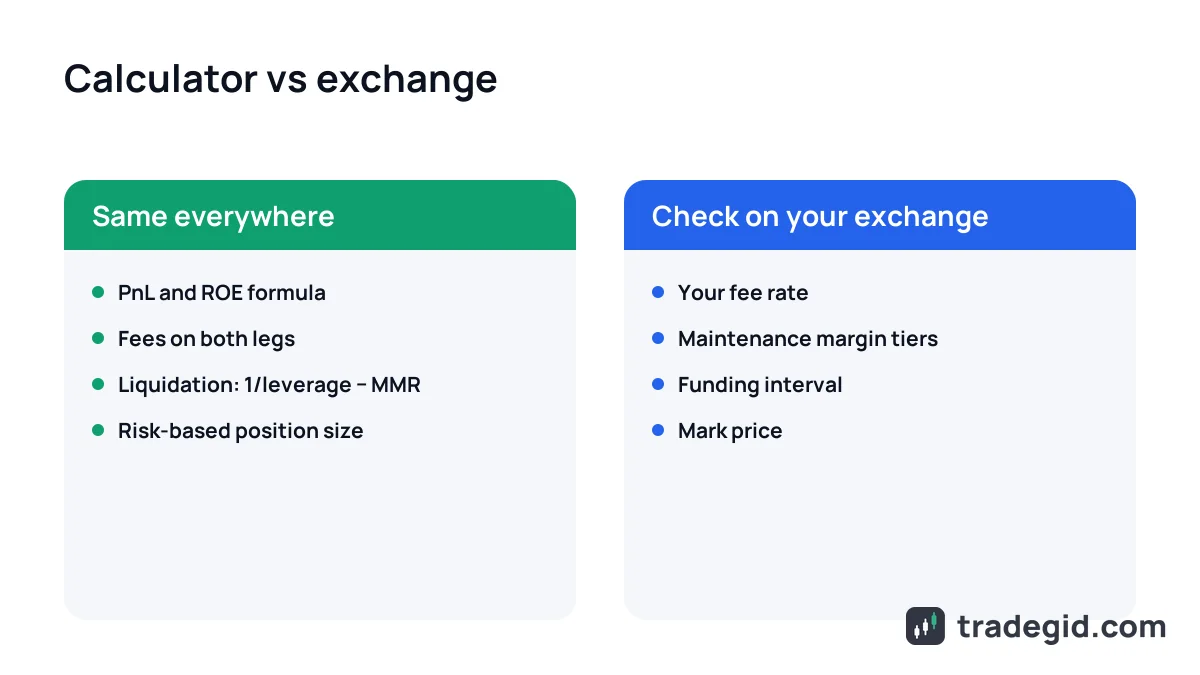
Binance, Bybit, OKX futures calculator: is there a difference
You do not need a separate calculator for each exchange. PnL, ROE and isolated-margin liquidation formulas are the same. Only the inputs differ, and those you take from your own exchange.
There are no market cap, grid bot or options calculators here yet. Their maths is different, and I would rather not mix it with futures.
Where to trade futures
You can open a trade you have calculated on any of the exchanges we review. Sign-up cards are below. Check that the exchange serves your country first.
In this section
- Liquidation calculatorWhere the exchange closes your position at a given leverage, and how far away that is.
- Position size calculatorTrade size in USDT and coins from your account, risk and stop-loss.
- PnL calculatorTrade profit or loss in USDT and ROE on margin, after fees.